Welcome to Halo House
Flat 14
You're nearly home. Just follow the steps below, one by one — it's about five minutes from collecting your key to your front door.
Step one
Collect your key
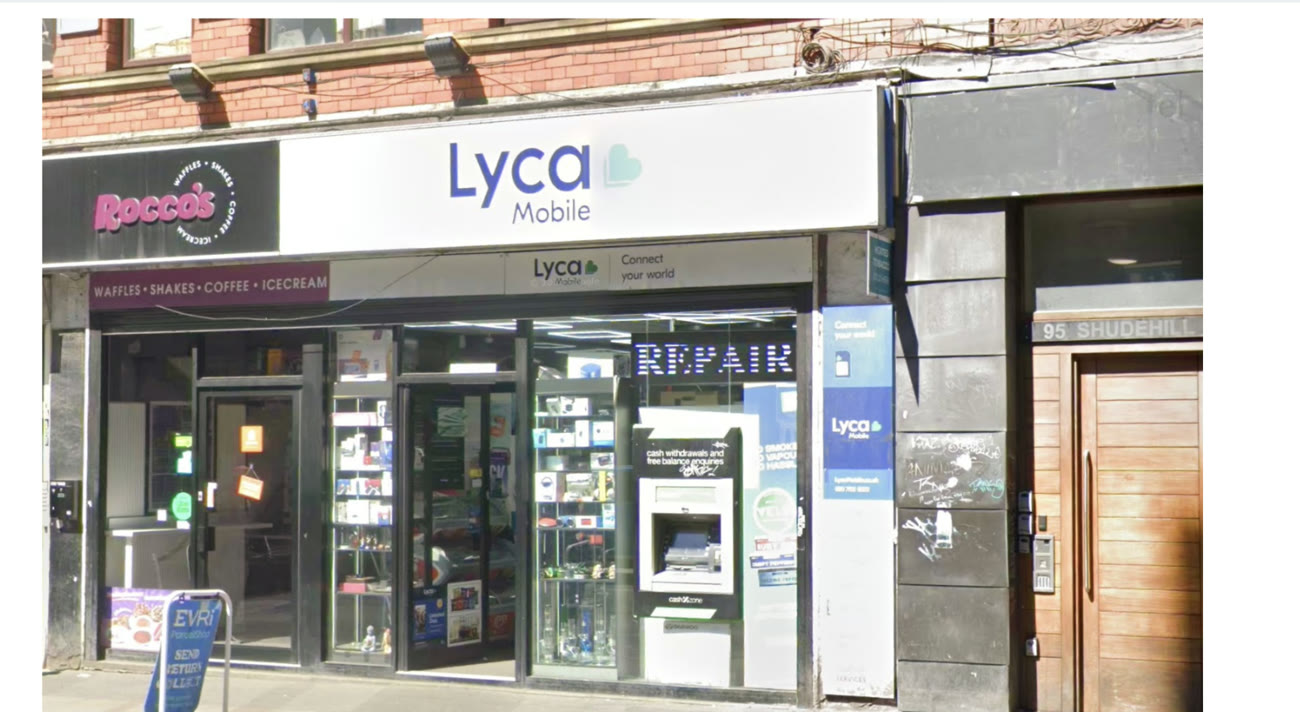 Lyca Mobile · Shudehill
Your key is waiting at the KeyNest point — a local shop. Open your collection link below, show the staff the code, and they'll hand you the key.
Where to go
Manchester Victoria – Shudehill (Lyca Mobile)
91 Shudehill, Manchester, M4 4AN
Opening hours
- Mon – Thu09:00 – 01:00
- Fri – Sat09:00 – 03:00
- Sunday09:00 – 01:00
Step two
Walk to the building
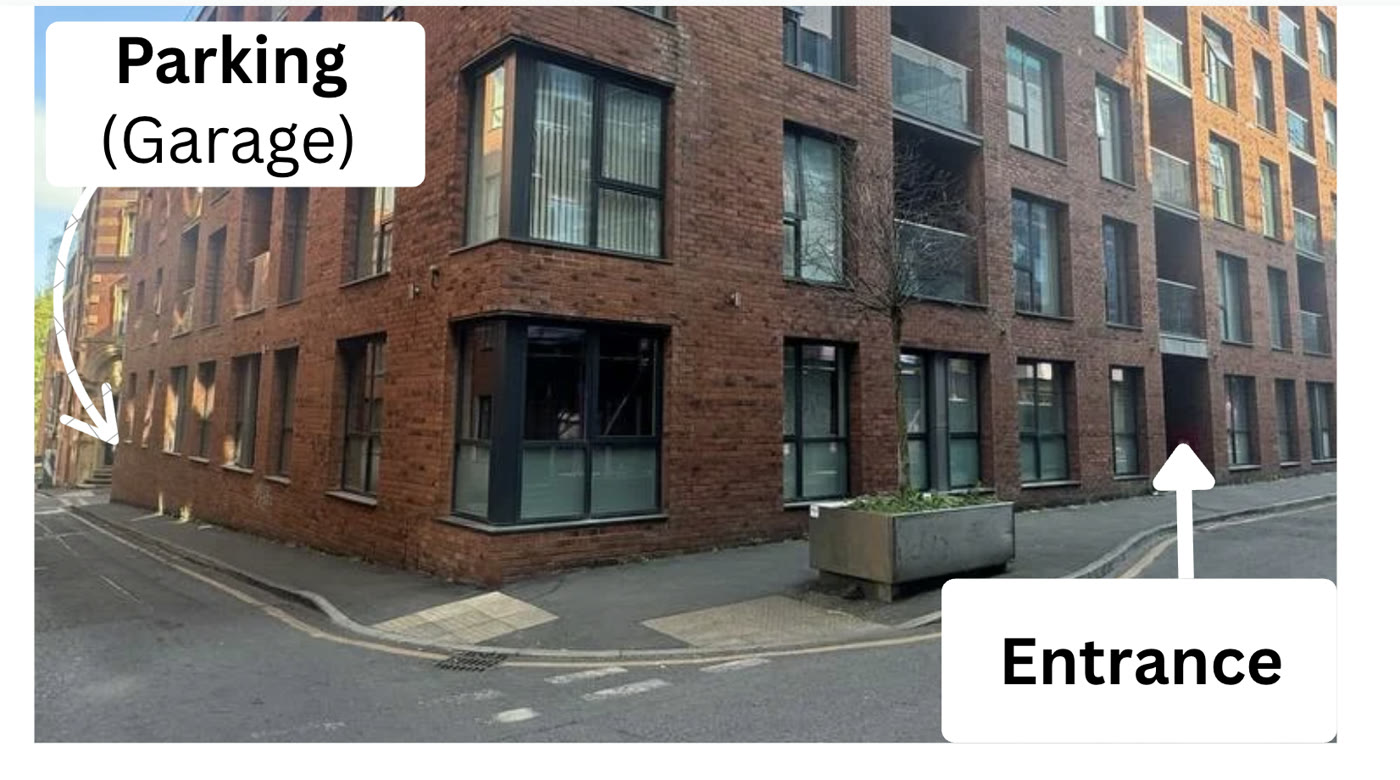
Now make your way to the apartment — it's about a 5 minute walk from the shop. Head to Halo House:
Your address
Flat 14, Halo House
27 Simpson Street
Manchester, M4 4GB
Step three
Get into the building
Use the main entrance (marked on the photo above). There are two doors — the keypad opens the first, your fob opens the inner one.
First door · keypad
- 1
First door. Type 1066 on the keypad, then press enter.
- 2
Second door. Tap your key fob on the reader to open the inner door.
- 3
You're in — head up to the 1st floor.
Step four
Find your apartment
Take the lift or stairs to the first floor
Flat 14
You've arrived. Welcome home for your stay.
Step five
Wi-Fi
Get online the moment you're inside. Tap either box to copy it.
Step six
Parking & the garage gate
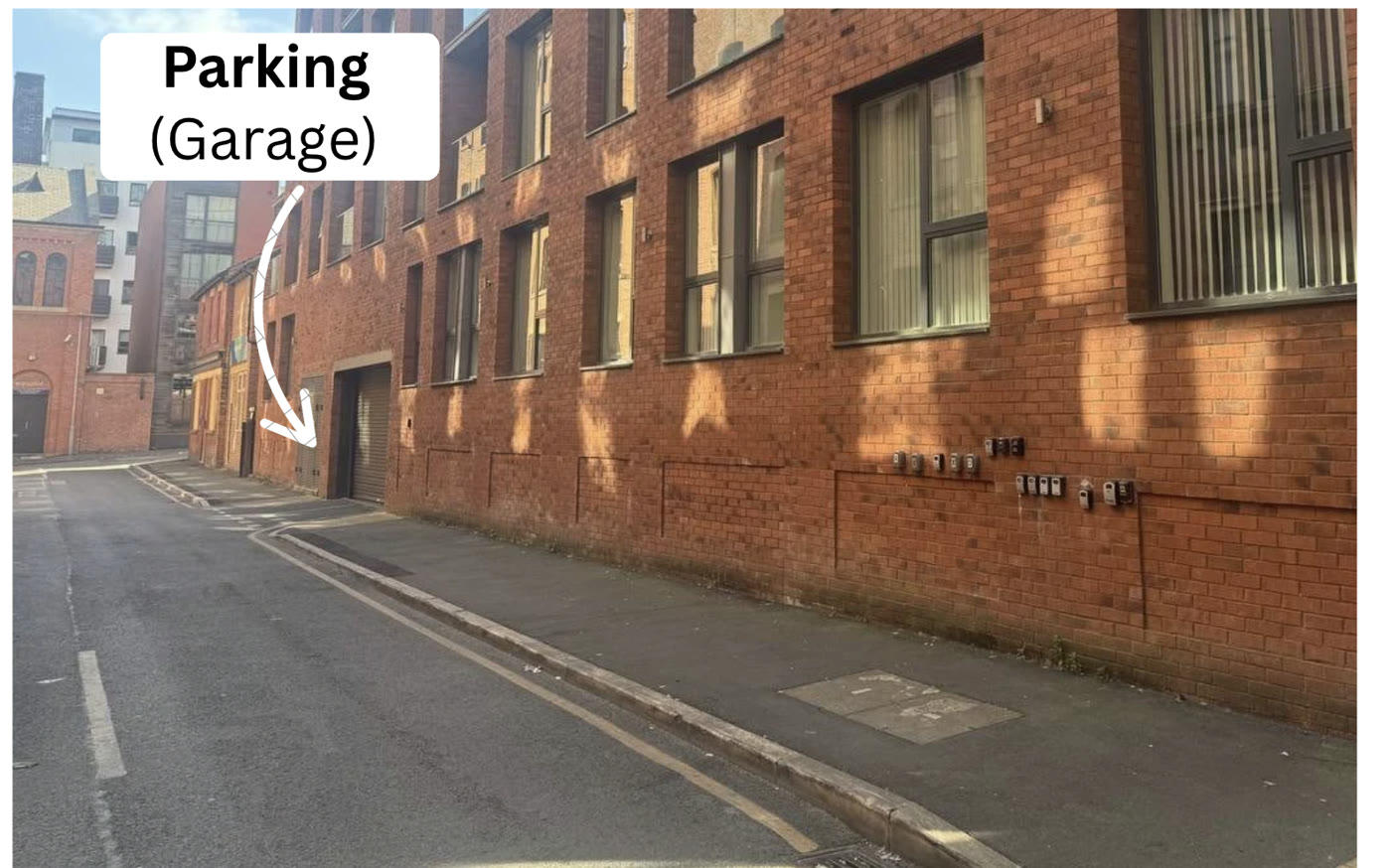
The garage entrance is at the back of the building. The gate only opens from the inside.
- 1
Enter the building and go down to level B1.
- 2
Open the gate from inside, then drive round to the back.
- 3
Park in your bay — the short video walks you through it.
Your bay is number 23, on level B3.
Step seven
Bins & rubbish
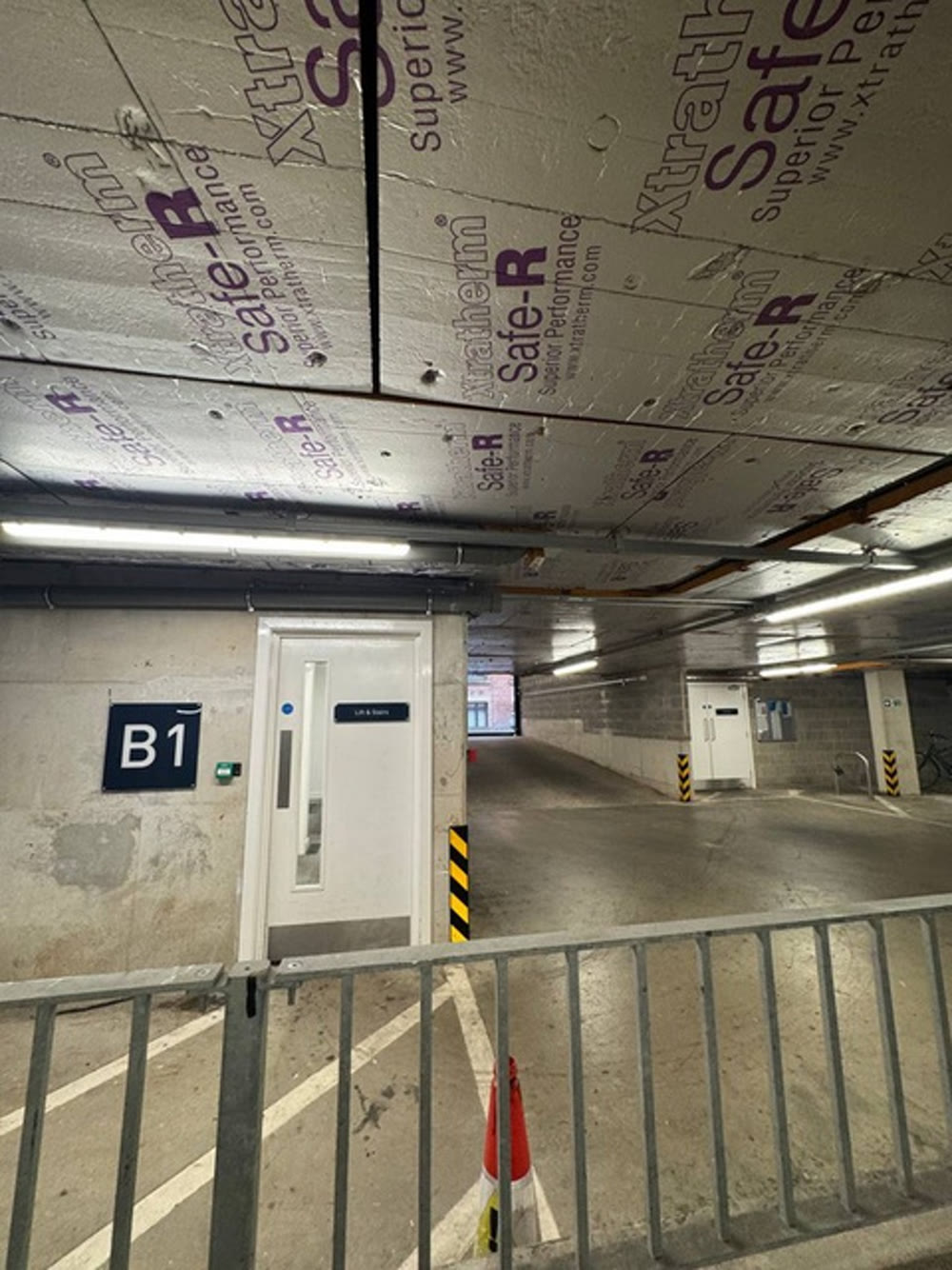 Level B1
The rubbish area is on level B1, near the garage exit. Look for the marked door by the B1 sign.